


- สมัครเมื่อ
- 6 กันยายน 2023
- โพสต์
- 48

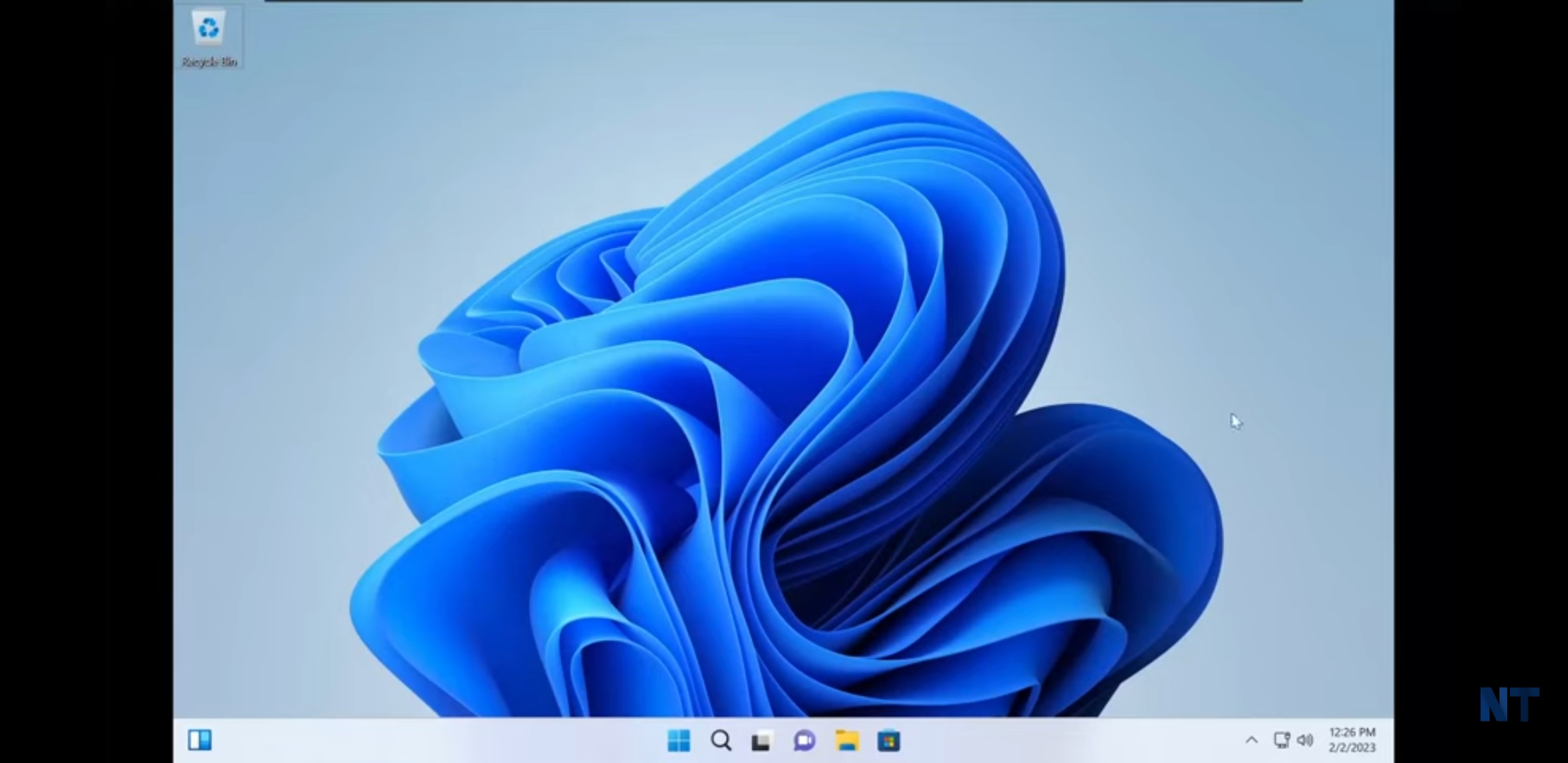
Since Windows 11 system requirements are high, many low-end PCs cannot meet these demands. To break this limitation, some of you may choose to bypass system restrictions to install it. In addition, some third-party developers devote themselves to rolling out a custom Windows 11 lite system and Tiny11 is a famous one given by NTDEV. After more than 6 months, NTDEV releases Tiny11 23H2.
On Twitter, you can see the related information. Like Tiny10 23H2, H2 means a release on the second half of 2023 (actually, there is no Windows 10 23H2). Tiny11 23H2 is based on Windows 11 22H2 rather and you can upgrade to 23H2 without problems via Windows Update since it is a simple enablement package.
This new Windows 11 ISO is rebuilt using the open-source OSDBuilder tool with some additional tweaks. This can ensure compatibility with most Windows components, apps, and updates so that they can be loaded afterwards even if they don’t exist in the clean install by default. Then, you will get a modern and reliable OS that takes up smaller disk space than regular Windows 11.
Besides, Tiny11 23H2 fixes some intractable issues, for example, removing some rarely-used components like Tablet PC Math and adding the Xbox Identity Provider support to play games downloaded from the Microsoft Store and use Xbox-related services.
After getting ISO, now follow the steps below to install Tiny11 on a low-end PC without a TPM, without Secure Boot enabled, or with less than 4 GB of RAM.
Step 1: Download Rufus, open it, and connect a USB flash drive to the PC.
Step 2: Choose the ISO file you have downloaded, set GPT as the partition scheme, and start to burn ISO to this USB drive.
Step 3: Restart the PC from the USB drive.
Step 4: Continue with WIndows install as usual.

DIRECT DOWNLOAD from my Mega drive(4.16GB): Click to download.





